

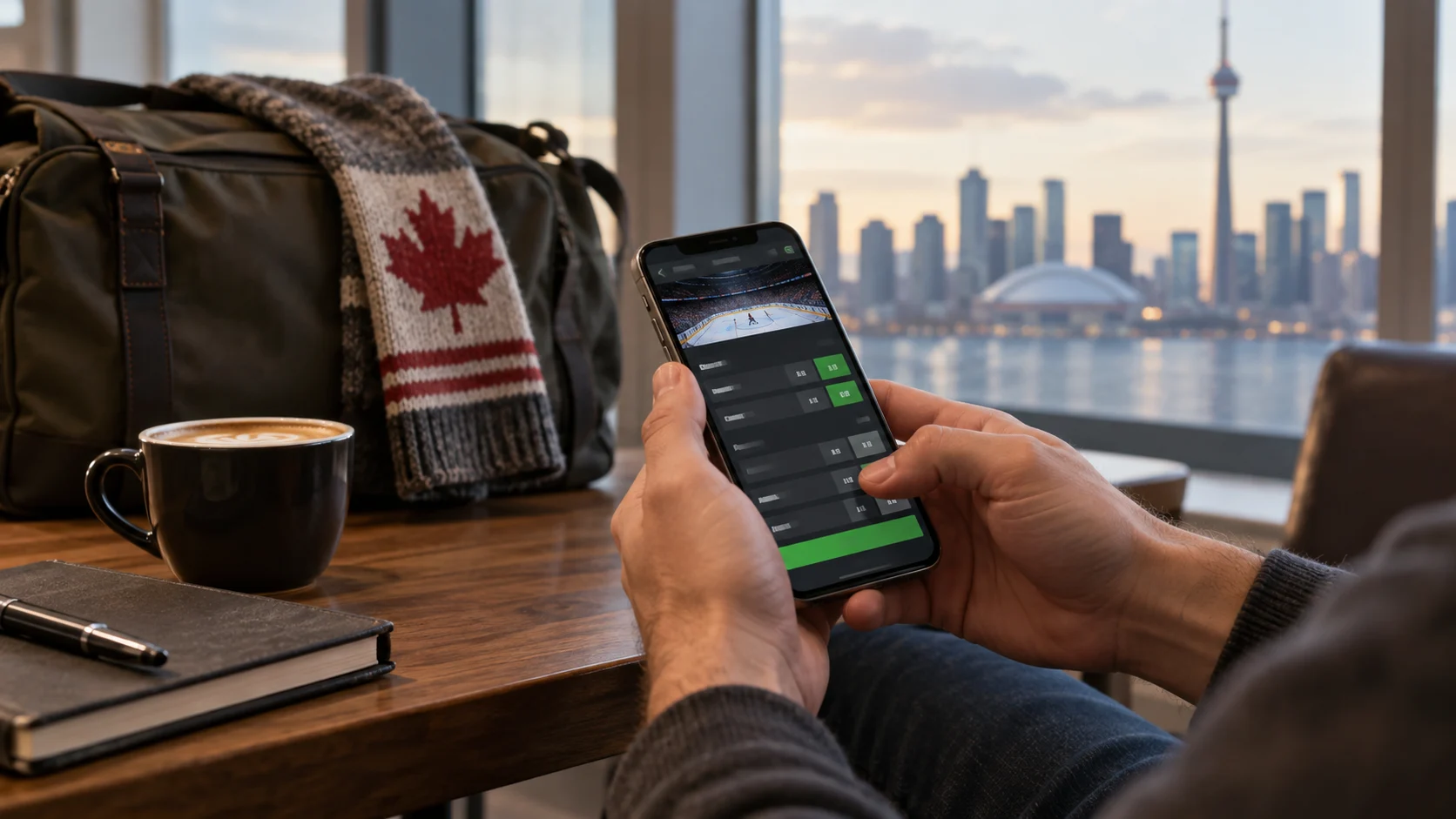
The large majority of Canadian online betting activity now happens on a phone rather than a desktop browser, and most licensed operators have built their platforms mobile-first as a result. This guide covers the practical differences between a dedicated betting app and a mobile browser site, what to check before downloading anything, and how to keep a mobile session secure and within your budget.
Dedicated app vs. mobile browser: what's actually different
Most licensed sportsbooks and casinos offer both a dedicated native app (downloaded from the Apple App Store or Google Play, or in some cases directly from the operator's own site for Android) and a fully functional mobile browser version accessible without downloading anything at all.
Dedicated apps typically offer faster load times once installed, push notifications for odds changes, promotions, or bet settlement, and sometimes biometric login (fingerprint or face recognition) for faster, more secure access than typing a password each time. Apps also tend to feel more responsive for live, in-play betting specifically, where speed matters more than in most other contexts.
Mobile browser sites require no download or device storage, work identically across any device with a modern browser, and are the only option in some cases - a small number of app marketplaces have historically restricted real-money gambling apps in certain regions, meaning a browser-based site can sometimes be the more reliably accessible option regardless of your specific device or app store restrictions.
For most bettors, the practical answer is simply: use whichever the specific operator's app scores well on in terms of stability and design, and don't feel obligated to install an app if the mobile browser experience is equally strong. Our sportsbook review methodology specifically evaluates both formats independently, since app quality and mobile browser quality don't always track together for a given operator.
Before you download anything: verify it's the real app
A basic but genuinely important security step: only download a betting app through the official Apple App Store or Google Play listing, confirmed against the operator's own website link to that listing - never a direct APK file from a third-party source, and never a link from an unsolicited message or ad you're not confident is legitimate. Fraudulent lookalike apps designed to capture login credentials or payment information are a real, if uncommon, risk in the broader app ecosystem, and gambling apps - given the financial information involved - are a meaningful target.
What to check in a mobile betting app
Full feature parity with desktop. Confirm the app supports every bet type and game you're interested in - some operators historically launched mobile apps with a narrower feature set than their full desktop platform, though this gap has closed significantly across most major Canadian-licensed operators in recent years.
Biometric login. Fingerprint or face-recognition login is both more convenient and, in most respects, more secure than a typed password alone, since it removes the risk of a password being observed or intercepted. Enable it during setup if your device supports it.
Push notification controls. Betting apps often default to sending frequent promotional push notifications - odds boosts, reminders about upcoming games, bonus offers. These are worth reviewing and adjusting in the app's notification settings specifically, since a constant stream of promotional prompts works directly against the kind of deliberate, budget-conscious betting habits covered in our Responsible Gambling Guide.
Data usage. Live-streamed content - in particular live dealer casino games and any embedded video streams of sporting events - can use meaningfully more mobile data than standard browsing or static odds boards. If you're on a limited data plan, check whether the app offers a lower-data-usage setting, or plan to use these features primarily over Wi-Fi.
Mobile-specific bonus offers
Some operators run promotions specifically for mobile app users - a bonus for downloading and placing a first bet through the app specifically, for instance, separate from or in addition to a standard desktop welcome offer. These follow exactly the same evaluation principles as any other bonus: check the wagering requirement, expiry window, and any restrictions before treating the offer as a deciding factor - our full Welcome Bonus Guide covers this in depth and applies identically to mobile-specific offers.
Security habits specific to mobile
- Avoid betting over unsecured public Wi-Fi where possible - a mobile data connection or a trusted home network is meaningfully more secure for anything involving login credentials or payment information
- Keep your app updated - updates frequently include security patches alongside feature changes, and operators generally stop supporting very old app versions
- Use a device passcode or biometric lock on your phone generally, not just within the betting app itself, given how much financial access a logged-in session can represent if your device is lost or accessed by someone else
- Log out on shared or borrowed devices - an obvious point, but worth stating plainly, since a mobile session left logged in is a real access risk
Using mobile deposit limit tools
Every licensed Canadian operator's app includes the same account-level responsible gambling tools available on desktop - deposit limits, session reminders, self-exclusion - typically accessible through the app's account or settings menu. Because mobile betting is, for many players, genuinely more frequent and impulsive than desktop betting simply due to how accessible a phone is at any moment, setting these limits through the app specifically (rather than assuming a desktop-set limit covers mobile use, which it generally does since limits are account-wide, but worth confirming) is a worthwhile five-minute step during setup. See our Responsible Gambling Guide for the full picture of these tools.
Getting help from mobile
Most betting apps build customer support access directly into the mobile interface - typically live chat, and sometimes a direct phone line - reachable without needing to switch to a desktop browser or separate app. If you run into an issue specific to mobile (a payment that appears stuck, a bet that didn't submit correctly, a login problem after a device change), using the in-app support channel is usually faster than a general email inquiry, since mobile-specific support agents are typically better equipped to troubleshoot device- and app-specific issues directly.
Live and in-play betting on mobile
Live betting is where mobile-specific performance differences matter most - a slow-loading app or a weak connection can mean the odds you see aren't the odds you actually get by the time your bet submits, since in-play prices can shift within seconds around a key moment in a game. If live betting is a priority, a stable connection matters more than almost any other single factor, and a dedicated app generally outperforms a mobile browser for this specific use case due to more efficient data handling.
iOS vs. Android: what actually differs
Betting apps are generally built to offer feature parity across iOS and Android, but a few practical differences are worth knowing. Apple's App Store has historically applied stricter review requirements to real-money gambling apps, occasionally resulting in slightly delayed feature rollouts on iOS compared to Android for a given operator. Android, meanwhile, more commonly allows operators to offer a direct APK download from their own website as an alternative to the Google Play listing - useful in regions where Play Store gambling app availability is restricted, but a scenario where the app-store verification advice above matters even more, since a direct APK download bypasses the additional review layer an app store listing provides. Where possible, the official app store listing remains the more straightforward and verifiable option on either platform.
Tablet vs. phone experience
Most betting apps and mobile sites scale reasonably well to tablet-sized screens, and the larger display can be a genuine improvement for reviewing detailed odds boards or following a live dealer stream, closer to a desktop experience while retaining touch-based convenience. A small number of operators have historically under-optimized their tablet layouts, effectively stretching a phone-sized interface rather than taking advantage of the extra screen space - this is worth checking directly if tablet use is your primary way of betting, since the gap between well- and poorly-optimized tablet experiences can be more noticeable than the equivalent gap on phones.
Playing with a weak or intermittent connection
A dropped or unstable connection during an active bet slip submission or a live dealer stream is one of the more frustrating mobile-specific issues a bettor can encounter. A few practical habits reduce the risk: avoid placing time-sensitive live bets on a weak or fluctuating signal, since a delay between selecting a price and the bet actually confirming can mean submitting at a different number than intended; prefer Wi-Fi over cellular data for live-streamed content specifically, both for connection stability and to manage data usage; and if a bet submission appears to hang or fail, check your account's bet history before resubmitting, since a bet may have actually gone through even if the confirmation screen didn't load properly on your end.
Battery and performance considerations
Live video streaming and real-time odds updates are both meaningfully more battery- and processor-intensive than static browsing, which matters for anyone planning an extended session, particularly following a live event over its full duration. Closing other background apps, using a lower streaming quality setting where the app offers one, and keeping your device plugged in during longer sessions are all reasonable practical steps if battery life has been an issue during previous sessions.
Accessibility features
Most major betting apps support standard device-level accessibility features - screen readers, adjustable text size, and high-contrast display modes - inherited from the underlying mobile operating system's accessibility framework rather than needing to be built separately by each operator. If accessibility is a specific concern, testing an app's compatibility with your device's built-in accessibility tools during a low-stakes session is a reasonable way to confirm it meets your needs before relying on it for regular use.
Syncing across devices
Most licensed operators sync your account - balance, bet history, saved payment methods, and any limits you've set - seamlessly across desktop, mobile browser, and app, since these all connect to the same underlying account rather than operating as separate systems. This means a deposit limit set on desktop applies equally on mobile, and a bet placed on your phone shows up immediately in your desktop bet history. The one thing that doesn't automatically sync is app-level settings specific to a single device - notification preferences, biometric login setup, and any locally saved display preferences typically need to be configured separately on each device you use.
Storage space and app updates
Betting apps are generally modest in storage size compared to media-heavy apps, but live-streaming features and cached odds data mean periodic updates can add up over time on a storage-constrained device. If you notice an app running slowly or a device running low on space, clearing an app's cache (available in most phone settings without needing to fully uninstall and reinstall) is usually enough to resolve it without losing your saved login or account data, since that information lives on the operator's servers rather than locally on your device.
Conclusion
For most Canadian bettors, mobile is now the primary way betting actually happens, and the choice between a dedicated app and mobile browser matters less than confirming you're using a legitimate, official download and taking the same account-security and responsible-gambling steps you would anywhere else. The specific mobile app quality of an operator - stability, feature parity, live-betting responsiveness - is one of the categories we test directly as part of our sportsbook review methodology.